
All Images
What is Web Scraping?
Figure 1
Figure 2
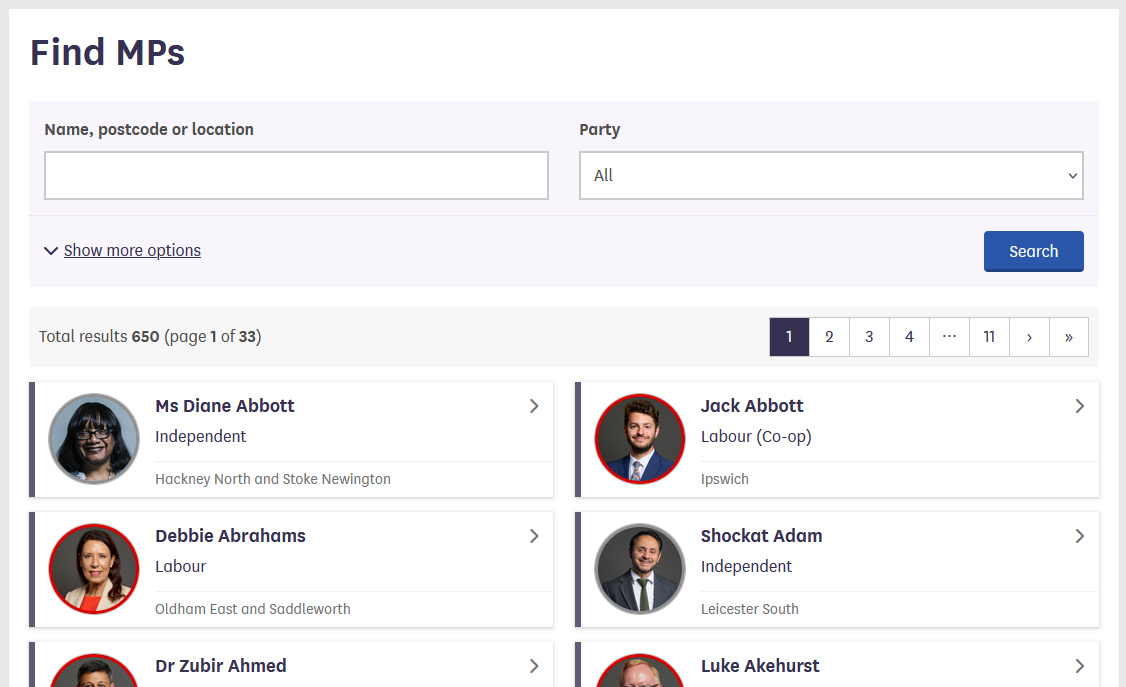
Screenshot of the UK House of Commons
website
Anatomy of a web page
Figure 1
Figure 2

The Document Object Model (DOM) that represents
an HTML document with a tree structure. Source: Wikipedia. Author:
Birger Eriksson
Figure 3
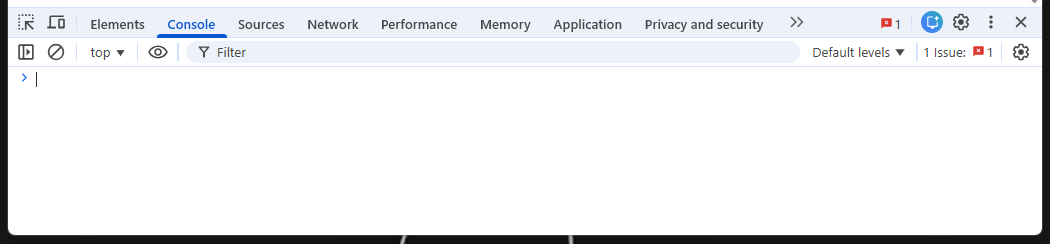
Developer console in Chrome
Figure 4
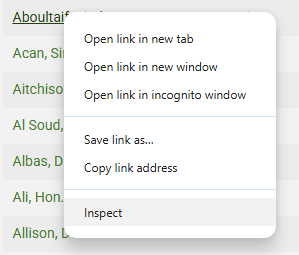
Dialog to select element inspection in
Chrome
Figure 5
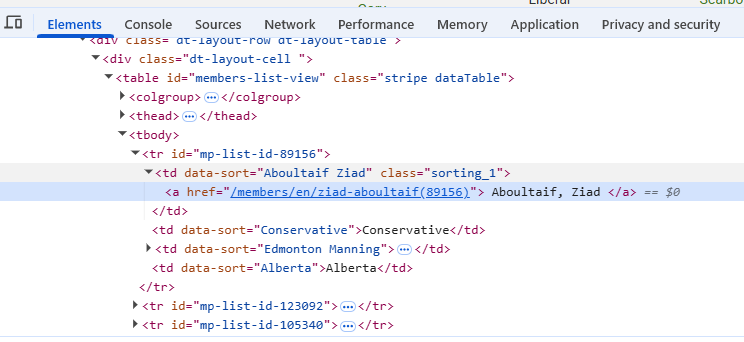
Code for selected element, displayed in the
developer console
Figure 6
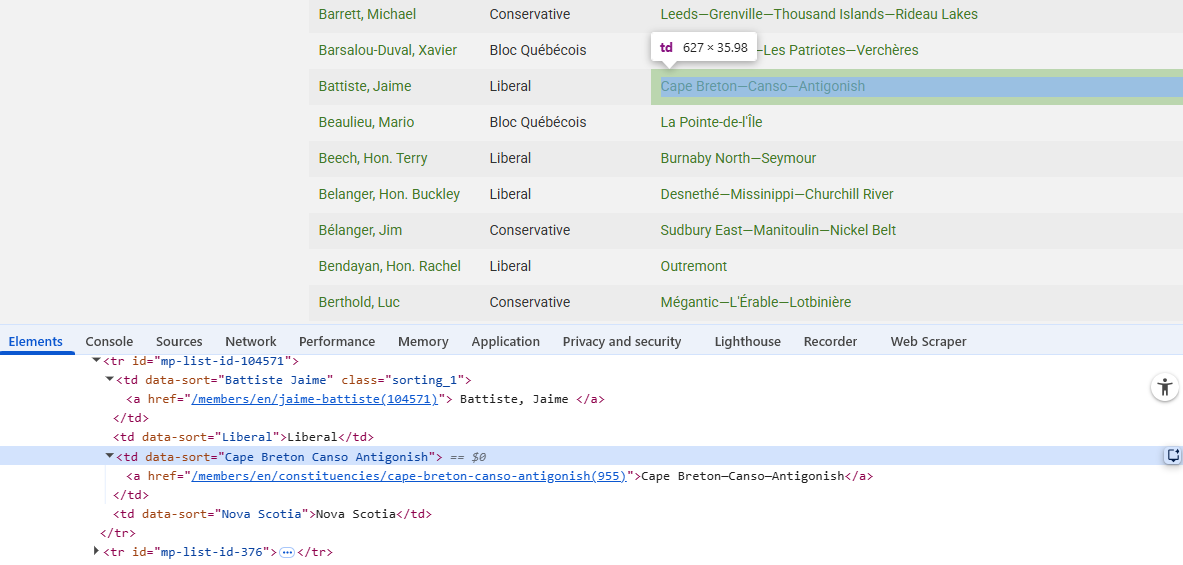
Element highlighted by hovering over code
Manually scrape data using browser extensionsUsing the Web Scraper Chrome extension
Figure 1
Screenshot of the UK MP list website
Figure 2
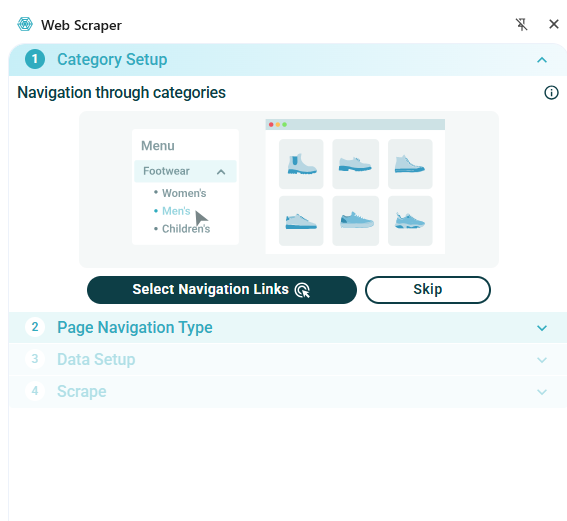
Web Scraper Wizard
Figure 3
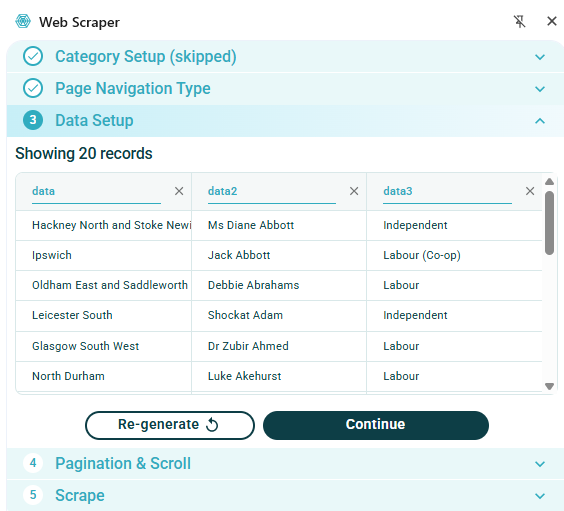
Automatically scraped MP data
Figure 4
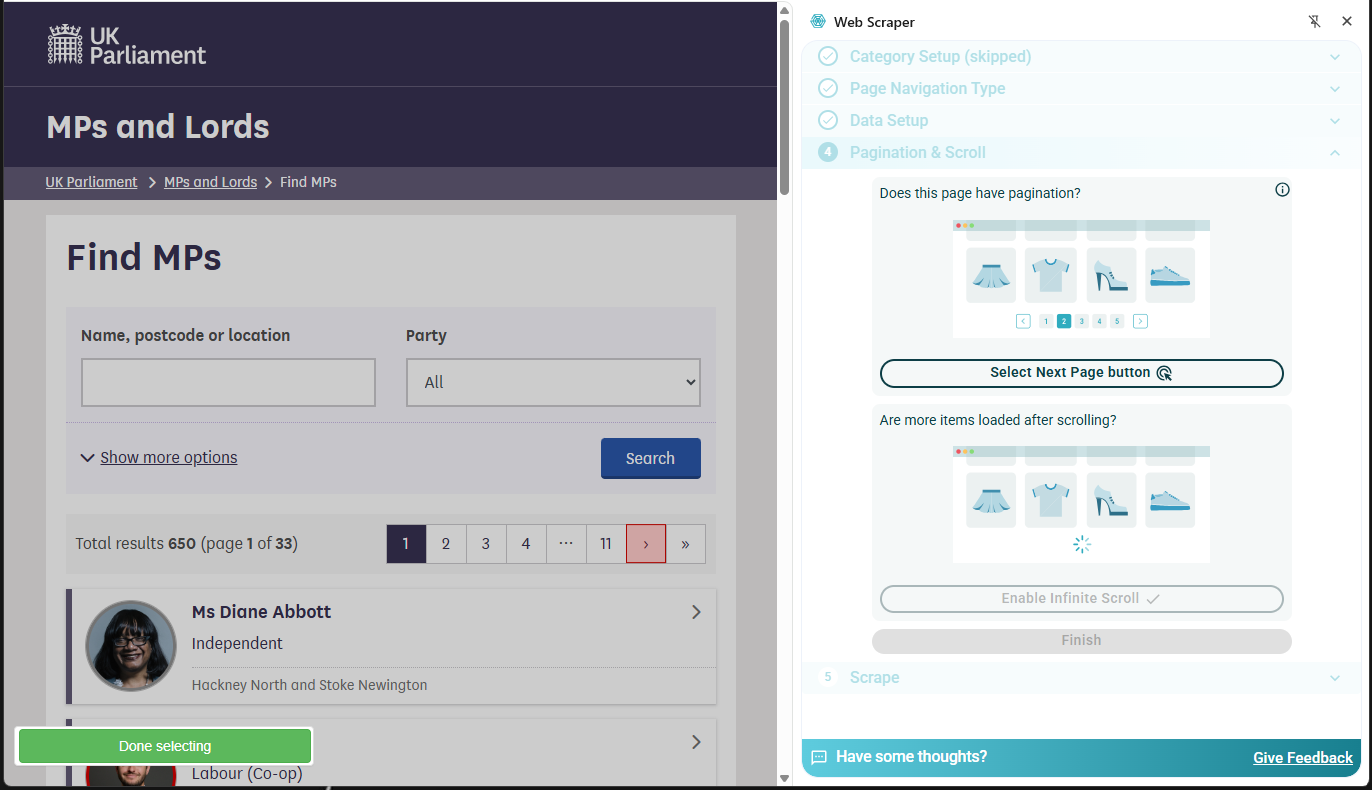
Pagination & Scroll selection
Figure 5
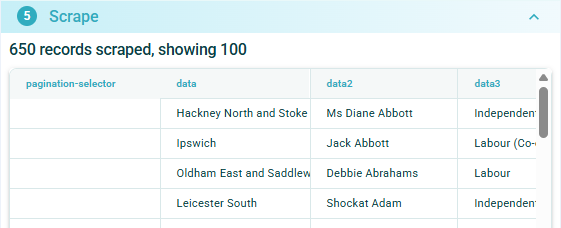
Data scraped from multiple pages
Figure 6
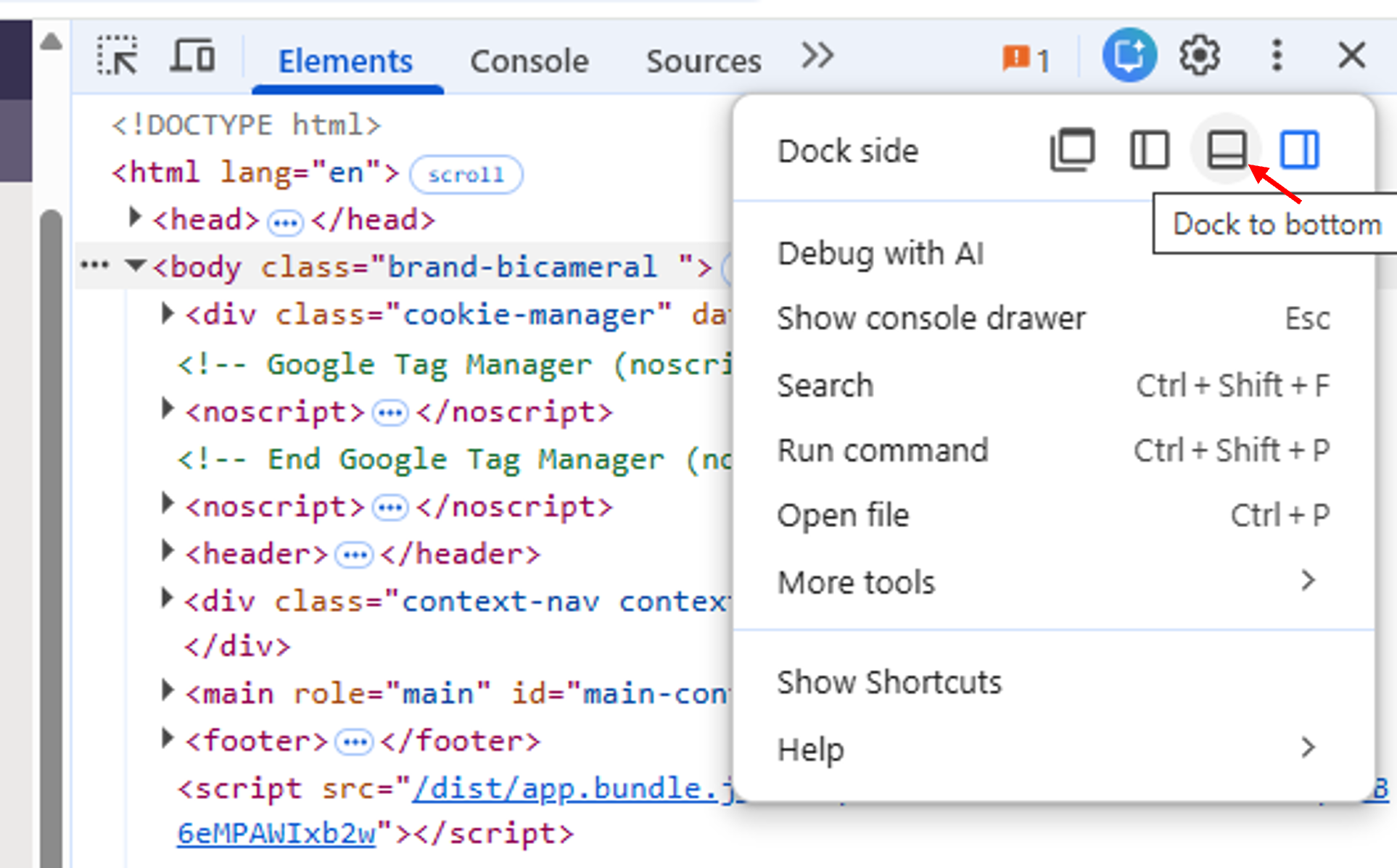
Dialog to select Developer Tools docking
position
Figure 7
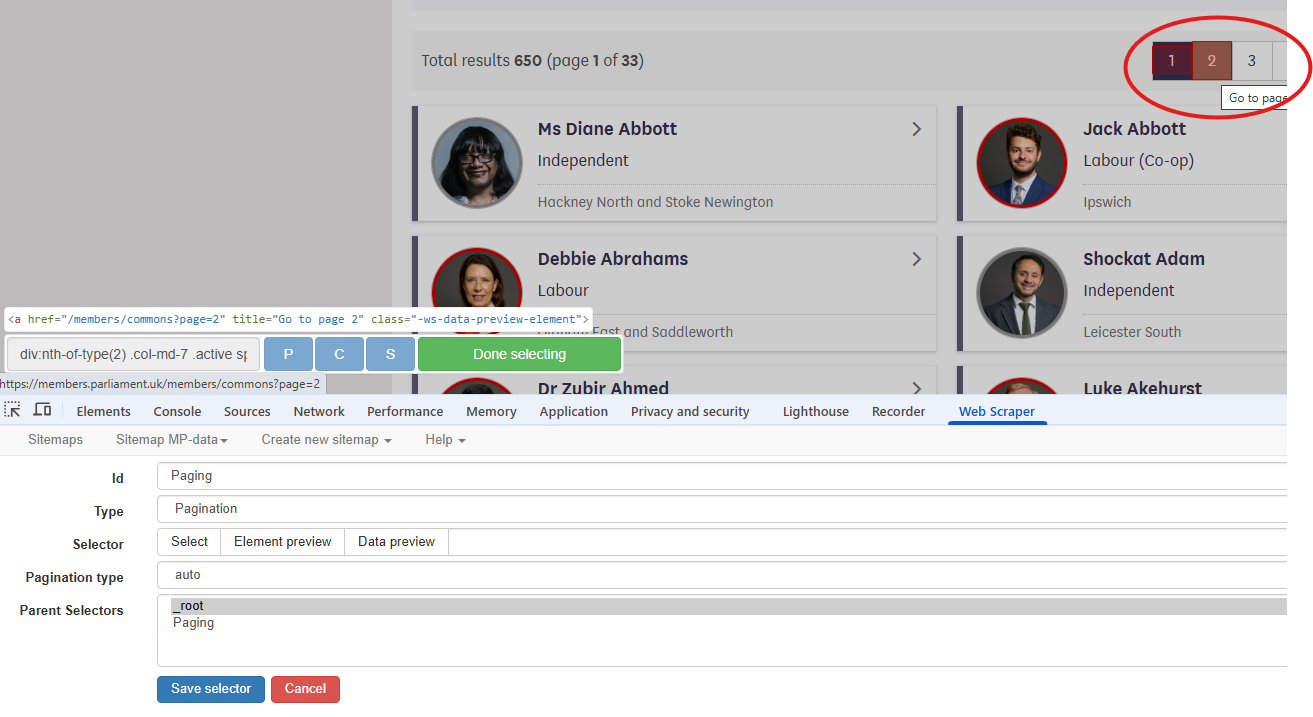
Creating a Pagination selector
Figure 8
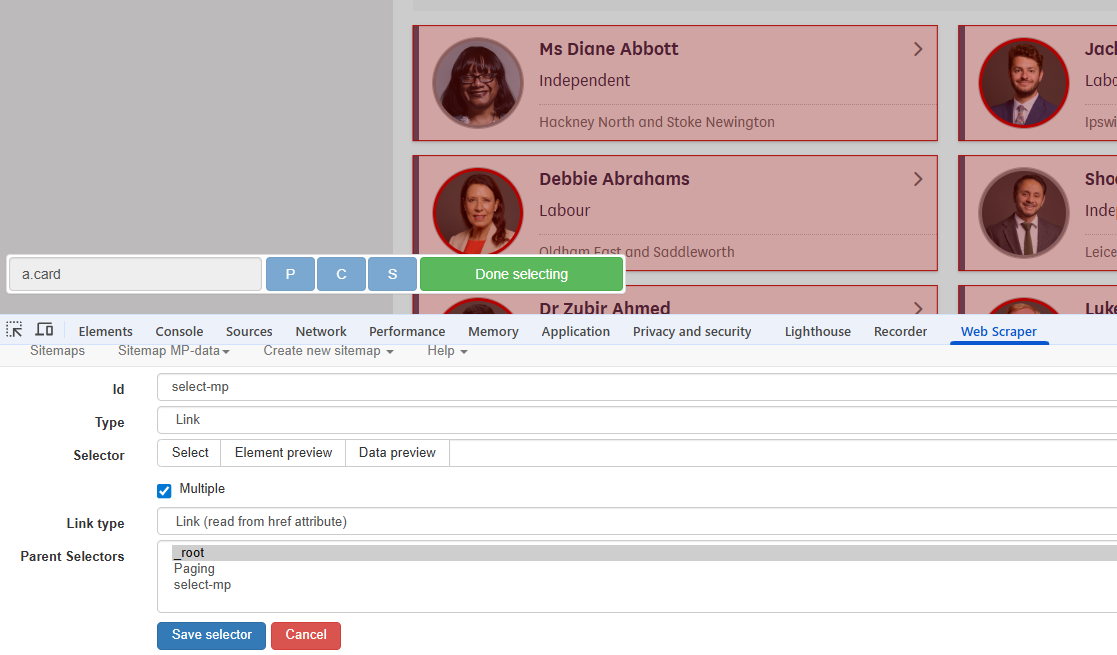
Creating a Link Selector
Figure 9
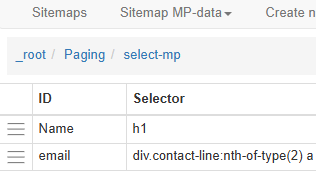
Breadcrumbs for scraped pages
Figure 10
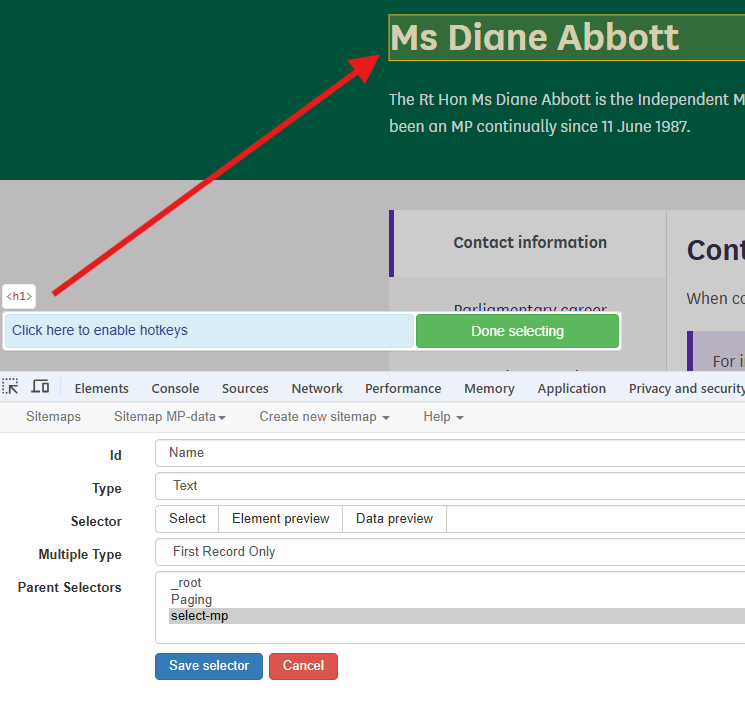
Creating a Text selector to find the MP
name
Figure 11
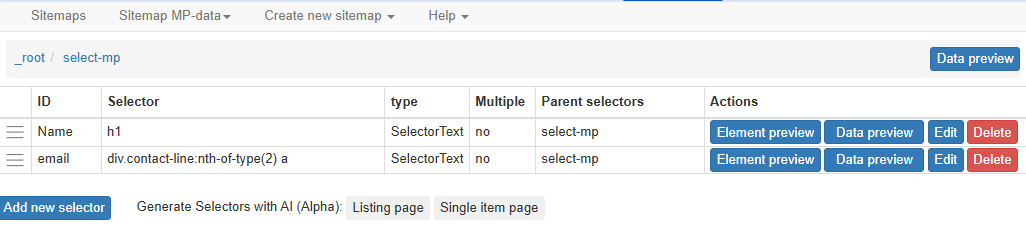
Name and email selectors